Zero cloud round-trips
Your audio is held in bounded memory for the active workflow, then cleared. Transcript history and diagnostics are off by default.
 UttraComing to theMac App StoreSoon
Private, on-device dictation for anyone who wants to type less—and for people who find a keyboard difficult or tiring to use. Copy each result by default, or opt into automatic voice input.
Coming to theMac App StoreSoonThanks again for today. I’ve attached the revised scope and moved the launch review to Friday.
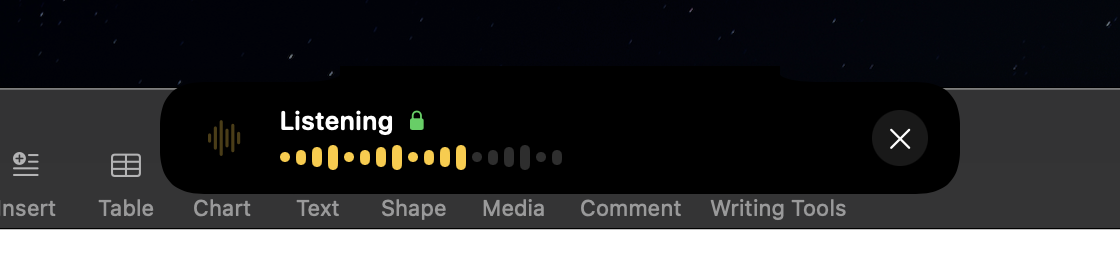
Uttra’s privacy story is its architecture, not a setting buried in a menu. Capture, transcription, and cleanup all happen locally; automatic delivery or clipboard mode handles the finished text without reading another app’s content.
Your audio is held in bounded memory for the active workflow, then cleared. Transcript history and diagnostics are off by default.
Parakeet ships with the signed app. Whisper Large v3 Turbo and Large v3 are optional downloads.
Dictation uses verified local files and never falls back to a cloud service or surprise redownload.
No account, no content logs, no advertising SDKs. Optional local diagnostics never include audio or transcript text.
Use the menu bar, hold Option–Space, or tap Control–Shift–Space. Choose the control that asks the least of you.
A bundled speech model works immediately. Optional Whisper models download only when you choose them, then run on your Mac.
Copy each result by default, or explicitly enable Automatic Voice Input when direct delivery makes using your Mac easier.
Uttra is a fast dictation tool for anyone who would rather speak than type. It can also provide an assistive voice-input path for people who cannot use a keyboard at all, can use one only with difficulty, or find sustained typing uncomfortable or tiring.
It is not limited to one kind of user. The same private, local workflow can reduce keyboard use or simply make everyday writing feel quicker.
Begin dictation from the menu bar, or configure hold and toggle controls around the way you use your Mac.
Explicitly enable Automatic Voice Input to send each finished dictation to the active editable field.
Copy to Clipboard is selected by default and provides the complete local transcription workflow without Text Insertion permission.
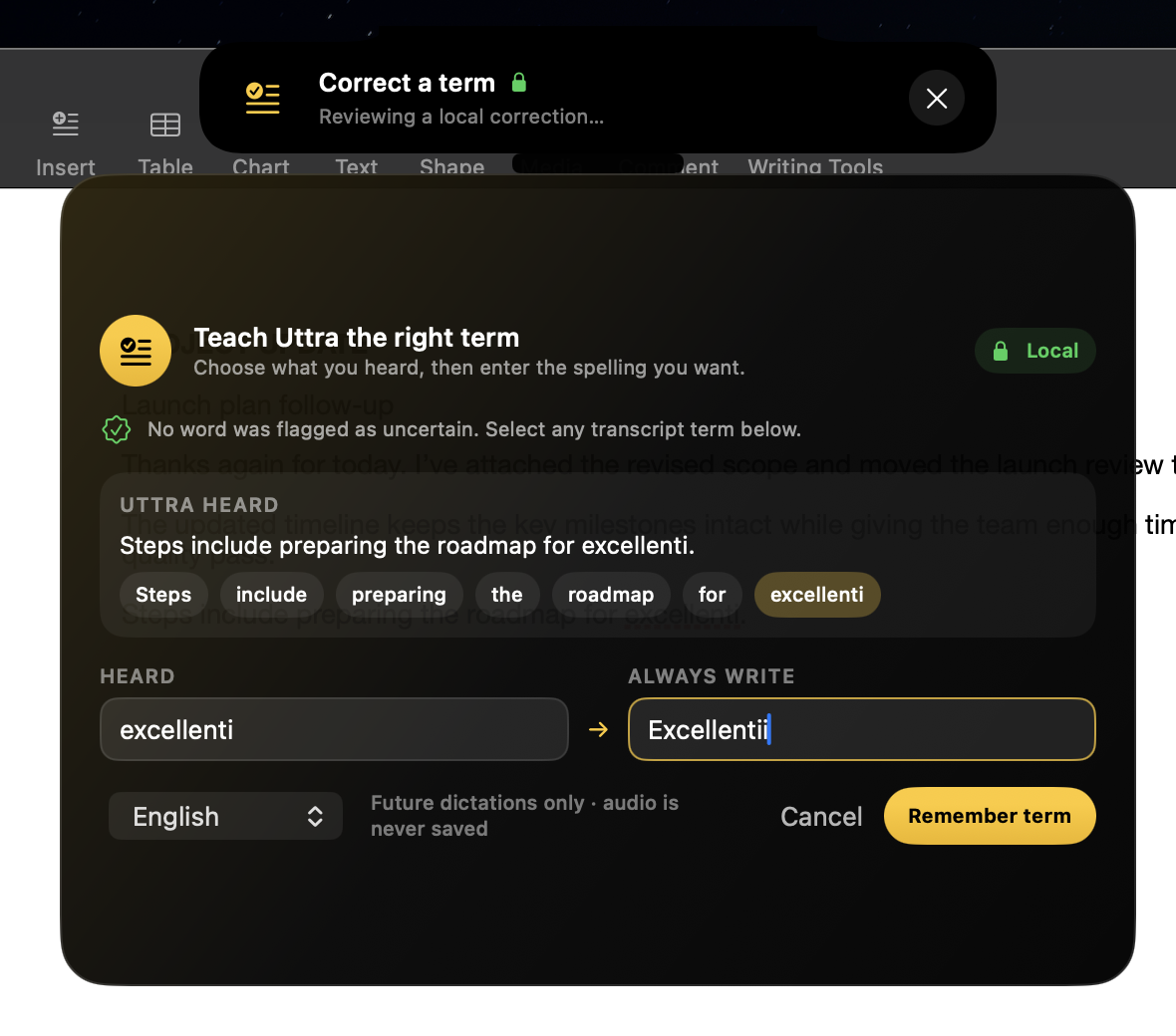
Correct a name or specialist term once. Uttra can remember your preferred spelling locally, so the words that matter keep coming out right.
Let Uttra detect the language automatically, or lock one in when you want complete control.
Uttra for MacWhether keyboard use is difficult or you simply work better by speaking, Uttra keeps dictation private and local on your Mac.
Coming to theMac App StoreSoon